


Welcome to the Bill Wurst Makerspace!



WEEK OF 11/2 CLOSURES: (check our Lab Hours page for more details). Typically open 8am-5pm.
FRIDAY 11/6 - RESERVED from 8am-2pm - other students may use the space!
3D PRINTS
-
Make your model in whatever software you prefer.
-
Save/Export your file as a .stl
-
Check your file!! Ensure that you have the proper dimensions recorded! We can scale models, so provide at least one measurement we can scale to.
-
Email msumakerspace@gmail.com with the following information
-
Your Name
-
CatCard Number (GID), Index number, or class if you have a class fund (e.g. EGEN310R). If this is for a personal print, please make sure you have Catcash uploaded to your catcard to pay for the print!
-
File names, quantities, and sizes of each
-
Any special notes about infill or wall layers. If you do not provide this information, your part will be printed out of black PLA with 2 wall loops and 15% Grid infill.
LASER CUTS
-
Make your model in whatever software you are comfortable using. To make things easier, please model all of your pieces in the SAME file and lay them out with minimal spacing! Each part should have 1mm of spacing between them and have the appropriate amount of each part. Not necessary but helps our staff out! An example layout is seen below!
-
Save/export your file as a .dxf
-
Construction lines appear (large "x's", circles incomplete, etc.)
-
Model is a 3D file, laser cuts can only read sketches/2D shapes. Use the "project" feature (if using fusion360) or something equivalent to create a new sketch layer based off of your model for the two-dimensional file!
-
Sizing is incorrect. Please check the size of your models before sending!
-
-
This step varies by software!! Please check your specific software to ensure the file exported correctly as each one is different!
-
Check your file! Note sizes of things and open up the file using a separate viewer (not the software you modeled in) to ensure that the file is saved correctly.
-
Common issues:
-
Appropriately name your file and send to: msumakerspace@gmail.com with the following information:
-
Your name
-
Dimensions of each model
-
Quantity of each model WITH appropriate names. Ex: "I will need 2 bridge_deck.dxf and 4 truss_member.dxf"
-
Size of each model in inches.
-
Your files!
-
Info about the Makerspace:
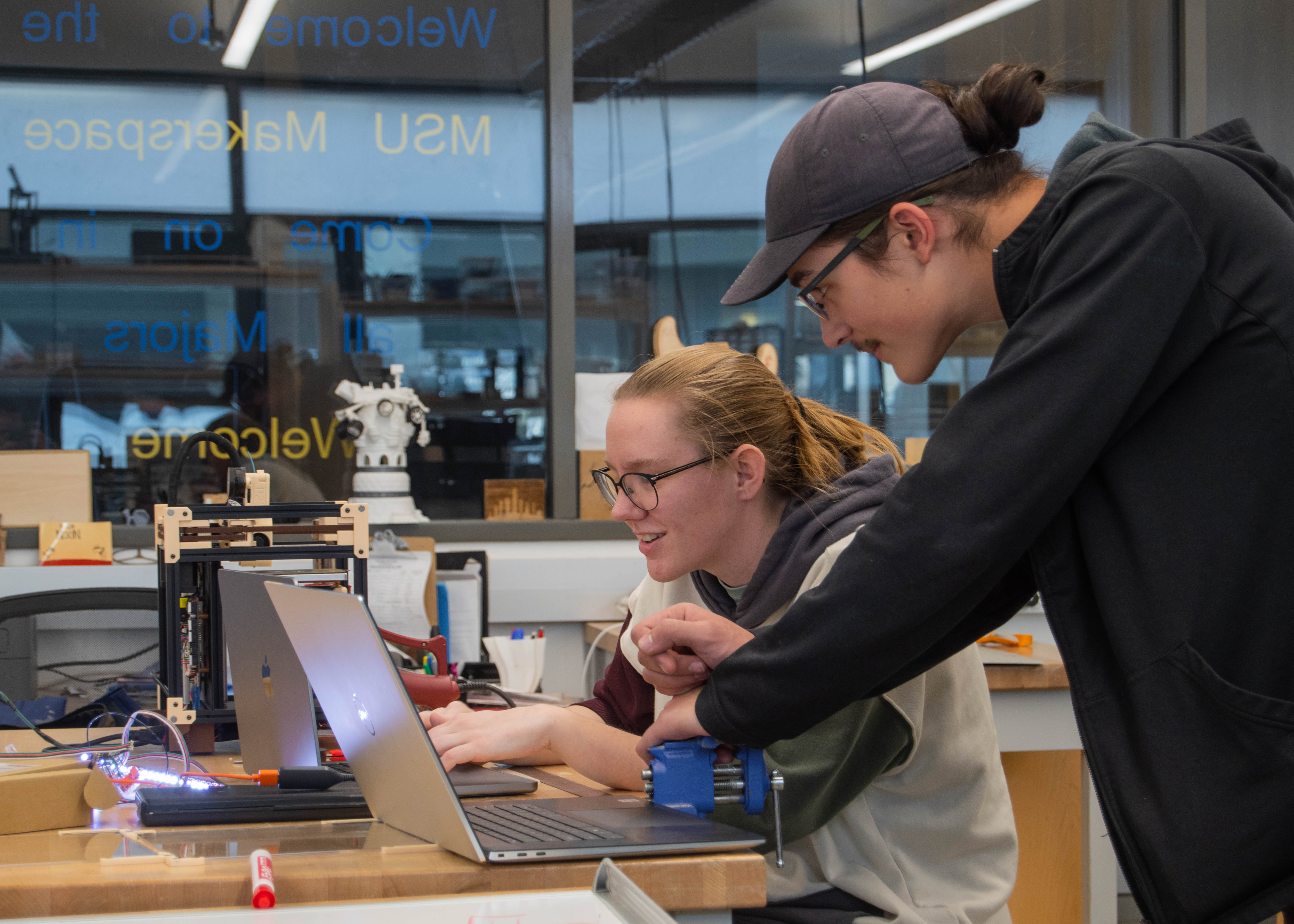
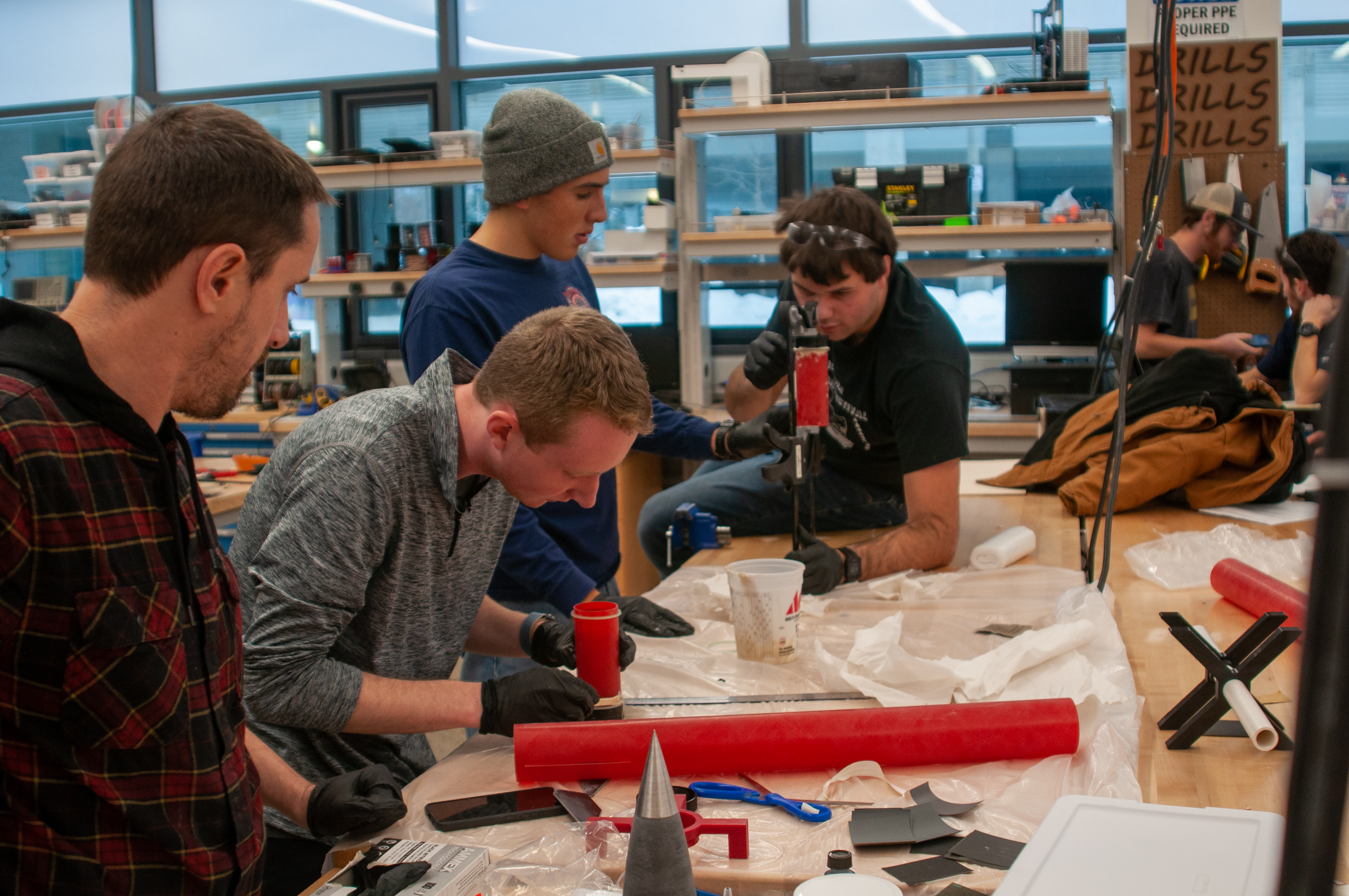
The Bill Wurst Makerspace, or Makerspace, provides the MSU community a centrally located, universally available, welcoming space where they can build, test, and prototype. This is a work area where students, faculty, and staff can come to work on projects for classes, personal use, or research. The Makerspace has facilities, tools, mentors, and advice to help students succeed in their endeavors.
FAQ
Read, understand, and e-sign the lab safety and usage policy, check our open hours and come in when we are open!
Current students, faculty, and staff of Montana State University are all welcome to use the Makerspace. All majors welcome! Tour groups and other university outreach functions are invited to reach out about potential activities.
A Makerspace employee can teach you how to use most things in the space. However, some machines like the laser cutter may only be used by Makerspace employees due to safety protocols.
Access to the Makerspace is free for students, faculty, and staff. Processes like 3D printing, use of the CNC machines, and other items have charges associated with them. You can find an updated list of costs on the Pricing page.
That's just fine, the Makerspace is a great space to start projects, Makerspace employees can help you with aspects of the design process, manufacturing options, and iterating through prototypes.
No, due to the high overhead that comes with them.